Find passages. Check their sources.
Manage deliberately selected documents on your Windows computer, retrieve original passages and retain revision and location information. This page explains the basic edition and the current distribution and public-demo boundaries.
A small, well-defined document library
For notes, manuals and PDFs scattered across files, begin with a limited corpus: select documents, inspect parsed content, build the keyword index and return from a result to its source. The basic edition creates an empty library, manages selected files and provides real SQLite FTS5 keyword retrieval.
What traceable retrieval looks like
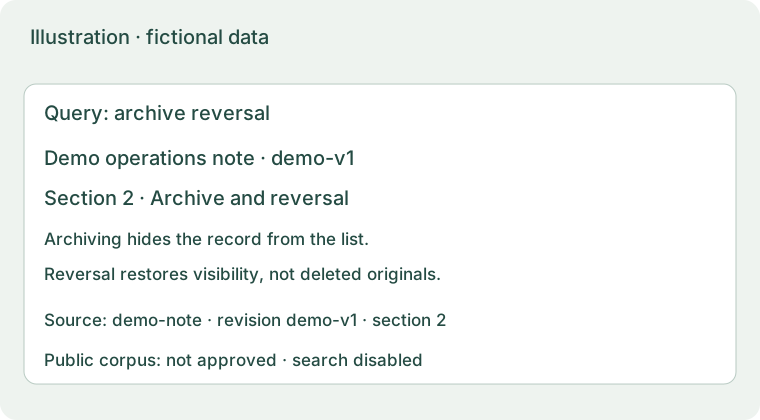
A result should identify the version and location it came from. Read the source and citation guide for the checks behind that link.
Local application versus this server
| Scope | Local application | Public demo |
|---|---|---|
| Documents | Selected by the user; originals and database stay locally | Separately approved public examples only |
| Access | Local launcher and local browser | Anonymous read-only; no registration, upload or answer generation |
| Readiness | Library, index and optional models checked separately | Official examples are not yet approved; search stays disabled |
Semantic retrieval, OCR and answer generation each require their local dependencies and models. The basic package includes no models and does not fall back to a cloud model. This server is not connected to your local library.
Distribution and licensing today
As of 3 October 2026, there is no public Release or portable download for new users. Source code is private; unsigned basic CI packages are for internal acceptance only. There is therefore no download button here. The setup guide separates preparation from steps that apply after a public release.
The project uses PolyForm Noncommercial 1.0.0; permitted use follows the license text. Commercial use requires separate permission and third-party models have separate licenses. For distribution or licensing questions, contact the maintainer without sending documents, tokens or conversation data.